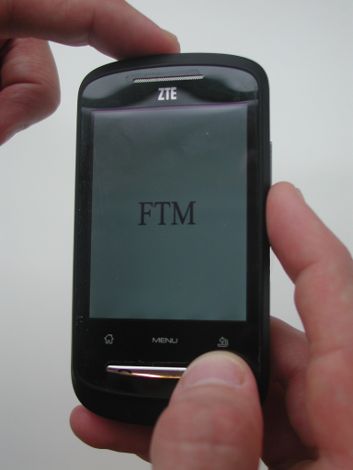
procedure
Turn off phone, then hold at same time buttons "Vol. -", "End call" and "Power". Hold all 3 buttons pressed for 5 seconds. Phone should hang in FTM mode. After this connect usb cable.
Further actions require internet connection and DC-unlocker software
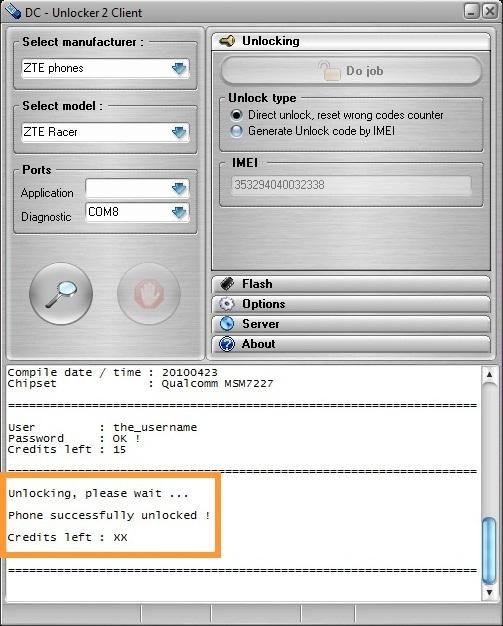
Select ZTE phones, select model Autodetect (Recommended).
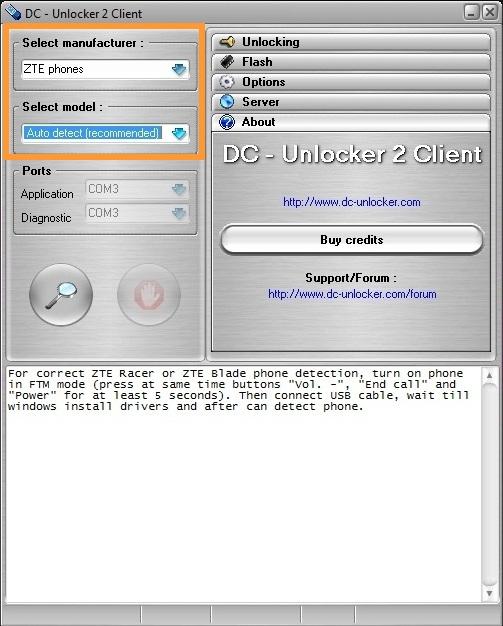
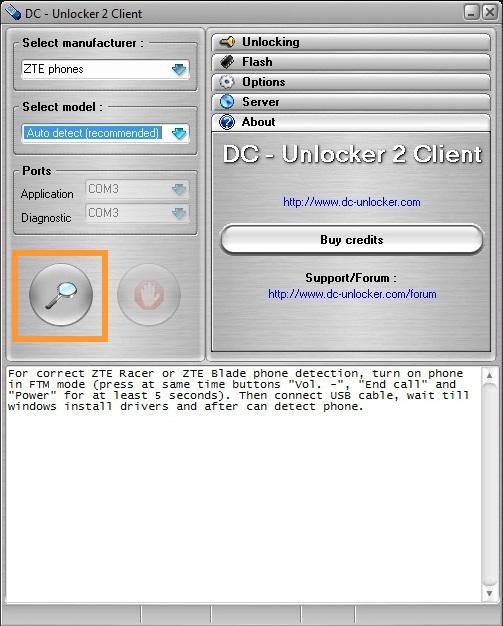
Press detect button (Big magnifying glass)
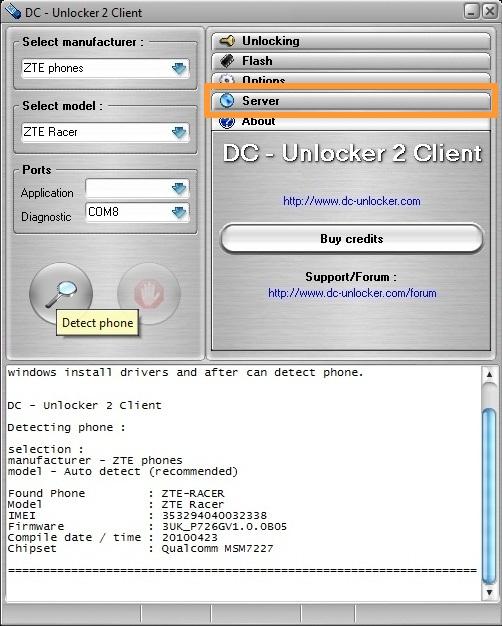
After your phone is detected, go to Server tab
Enter your username and password. If dc-unlocker, Vygis or Rocker dongle is connected, you can skip this step.
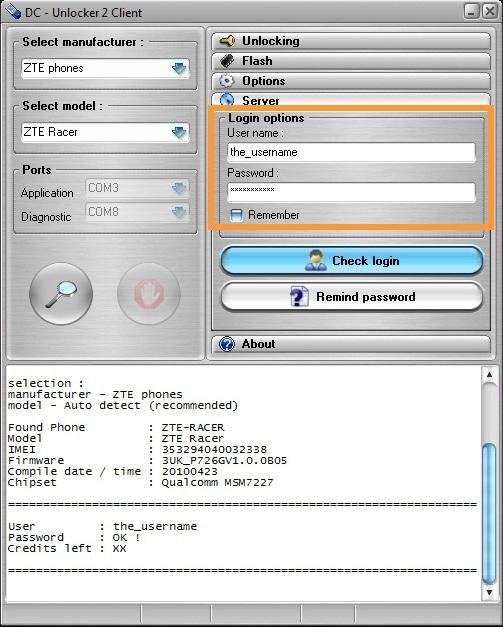
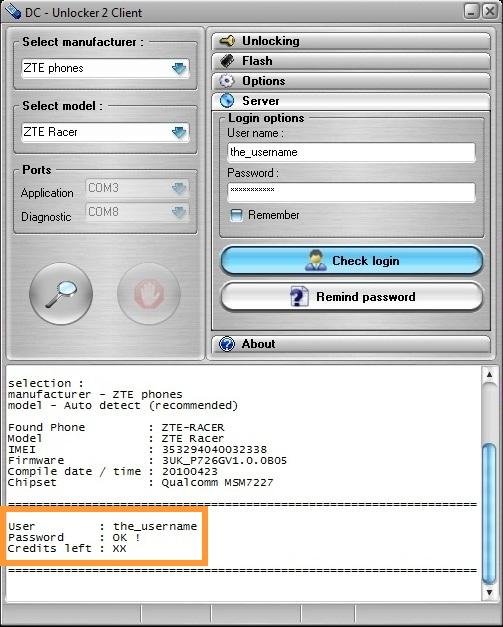
Press Check login button. You will see your username and how many credits left.
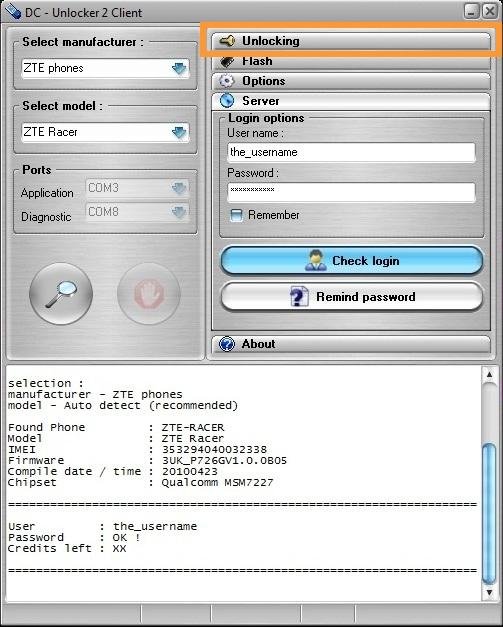
Go to Unlocking tab.
Press Do job button.
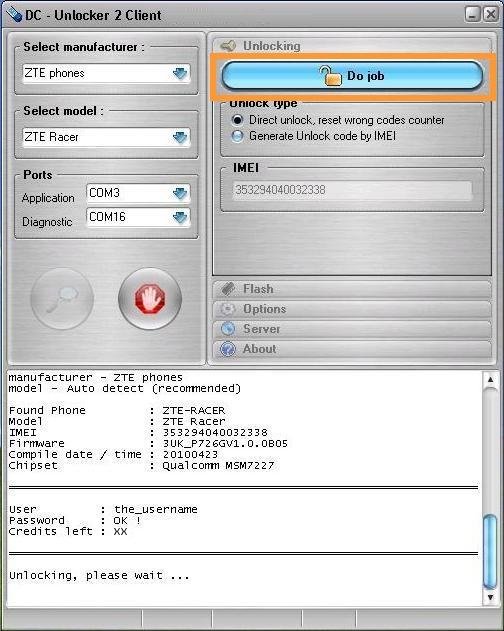
Wait, until you see success message. After you see that phone is successfully unlocked, remove battery and restart phone. Now you can use it with any SIM card.


1 comments:
Nice to read your article! I am looking forward to sharing your adventures and experiences.
Network unlock zte overture 3
Post a Comment